OUR OWN CONSTRUCTION MANAGEMENT SOFTWARE
civion /
More clarity for
the decisions
behind your build.
Understand the information shared about your project, see the issued programme and review valuations. Civion is Atlas’s own construction management app, with client views that help you follow the work and ask informed questions.
See the client view ↓CLARITY FOR YOU, THROUGHOUT YOUR BUILD
See the plan.
Understand the figures.
Follow the work.
You should be able to understand what is happening on your project without having to piece together separate documents and conversations. Civion gives you a place to review the information Atlas shares, then talk through the details with our team.
01 / KNOW WHAT IS PLANNED NEXT
Make plans around
the work ahead.
See how the stages of your build fit together, so you can discuss access, choices and arrangements for your home or business.
The issued programme gives you a reference for what is expected next. Check its revision, estimated dates and assumptions with Atlas before making commitments.
Explore the example programme ↗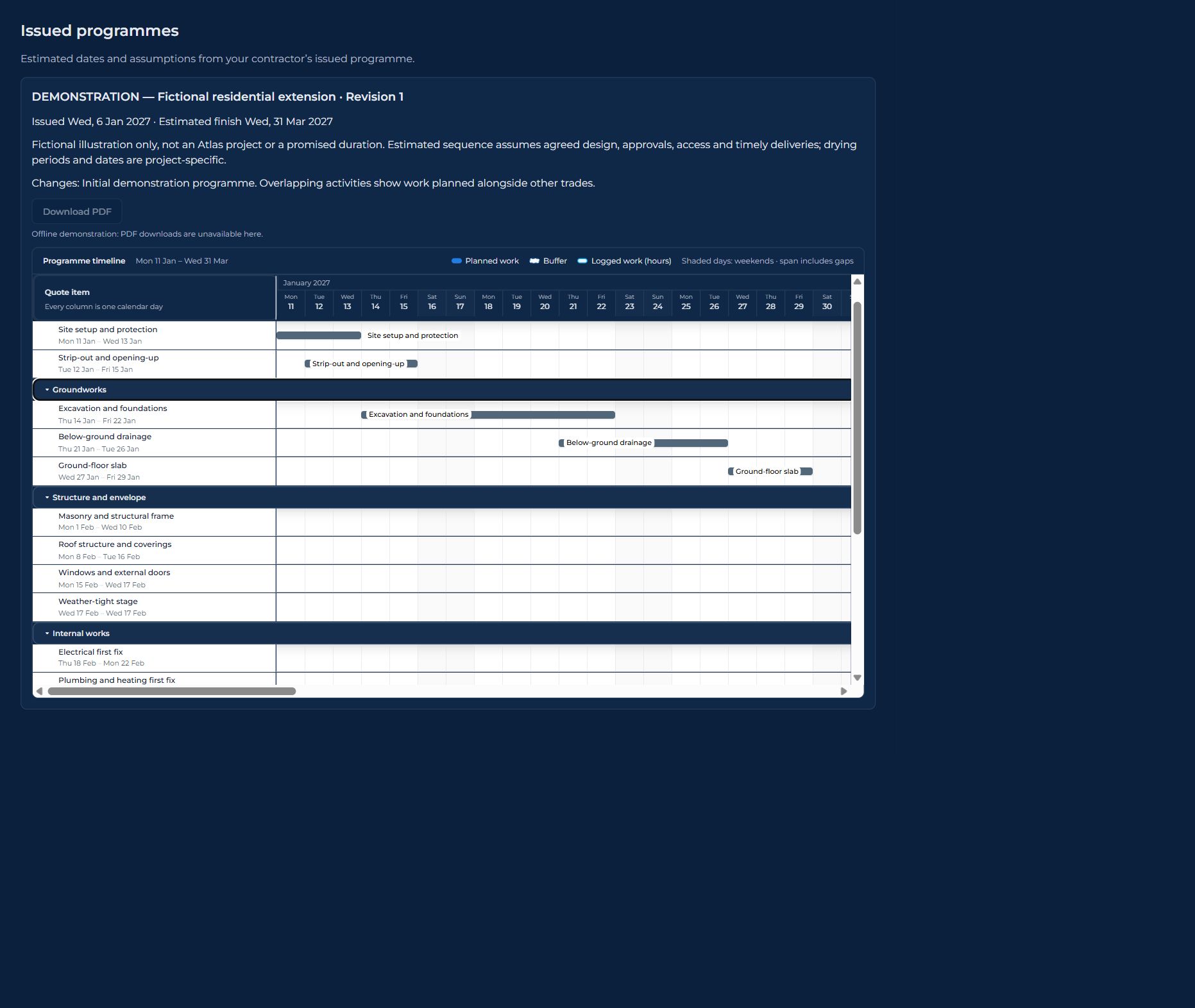
02 / UNDERSTAND THE FIGURES
See what sits
behind a valuation.
Understand how the figures have been built up, with a clearer basis for reviewing charges and asking about a particular item.
Review the assessment alongside its section-by-section calculation and invoice summary. A valuation, an invoice and an unpaid balance describe different things; our team can talk you through them.
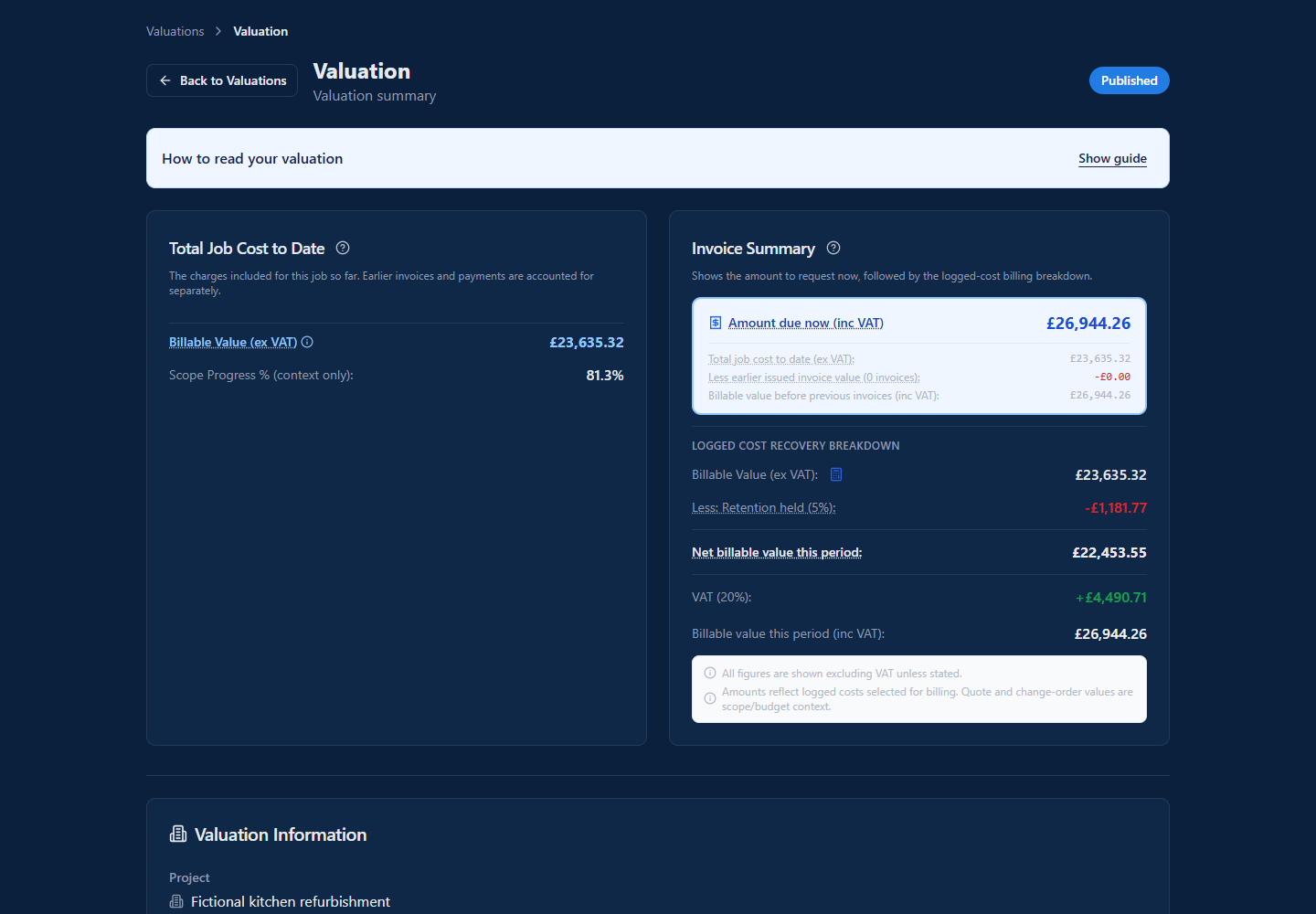
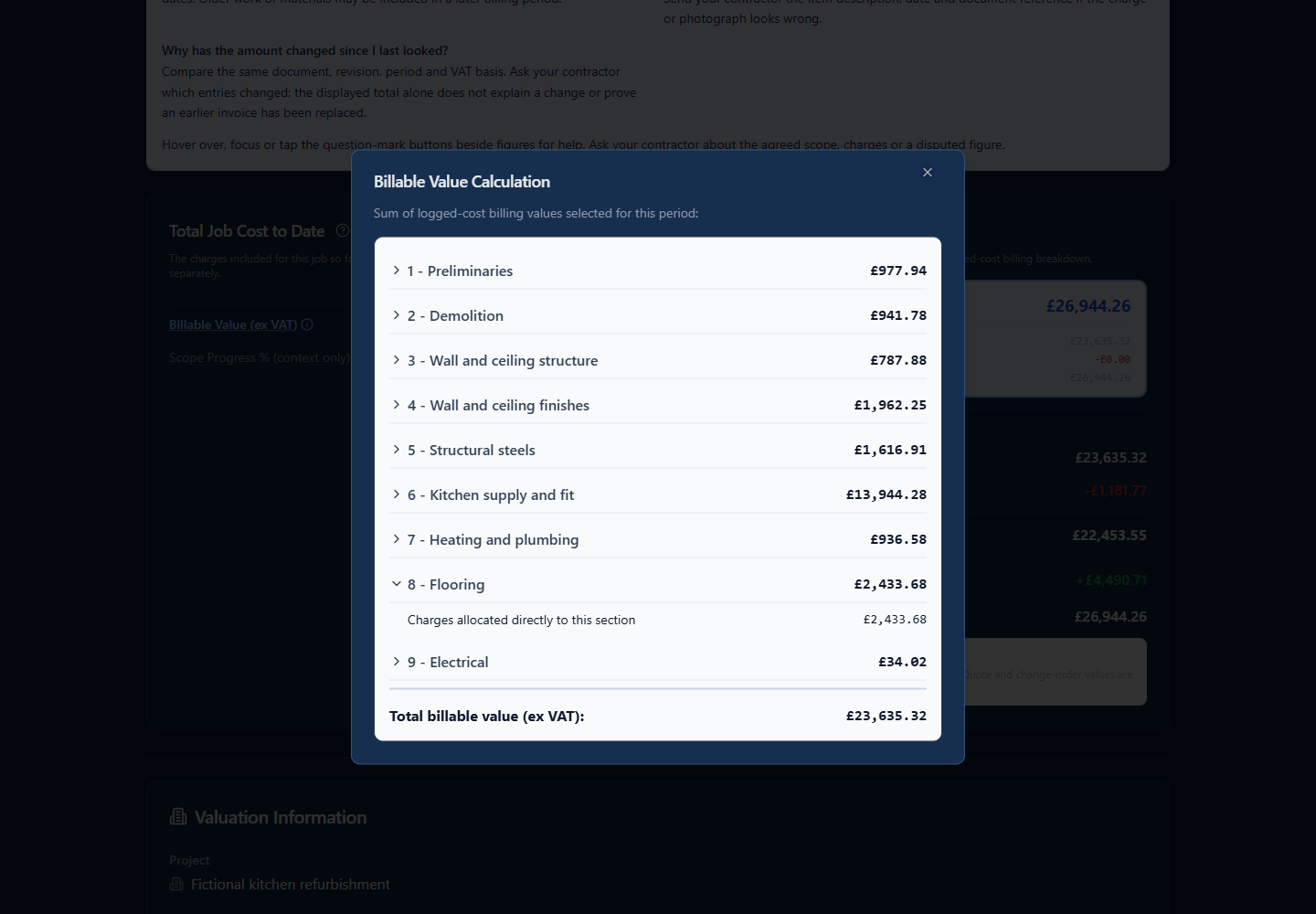
Select a snapshot to enlarge. Fictional demonstration data; available detail depends on your contract and information shared.
03 / SEE THE WORK TAKING SHAPE
A picture of progress,
wherever you are.
Put the work you discuss into context, even when you cannot visit the site.
Shared photographs help you picture the structure and details that will later be covered up. They give you a useful reference for questions about the work, alongside conversations and site inspections.
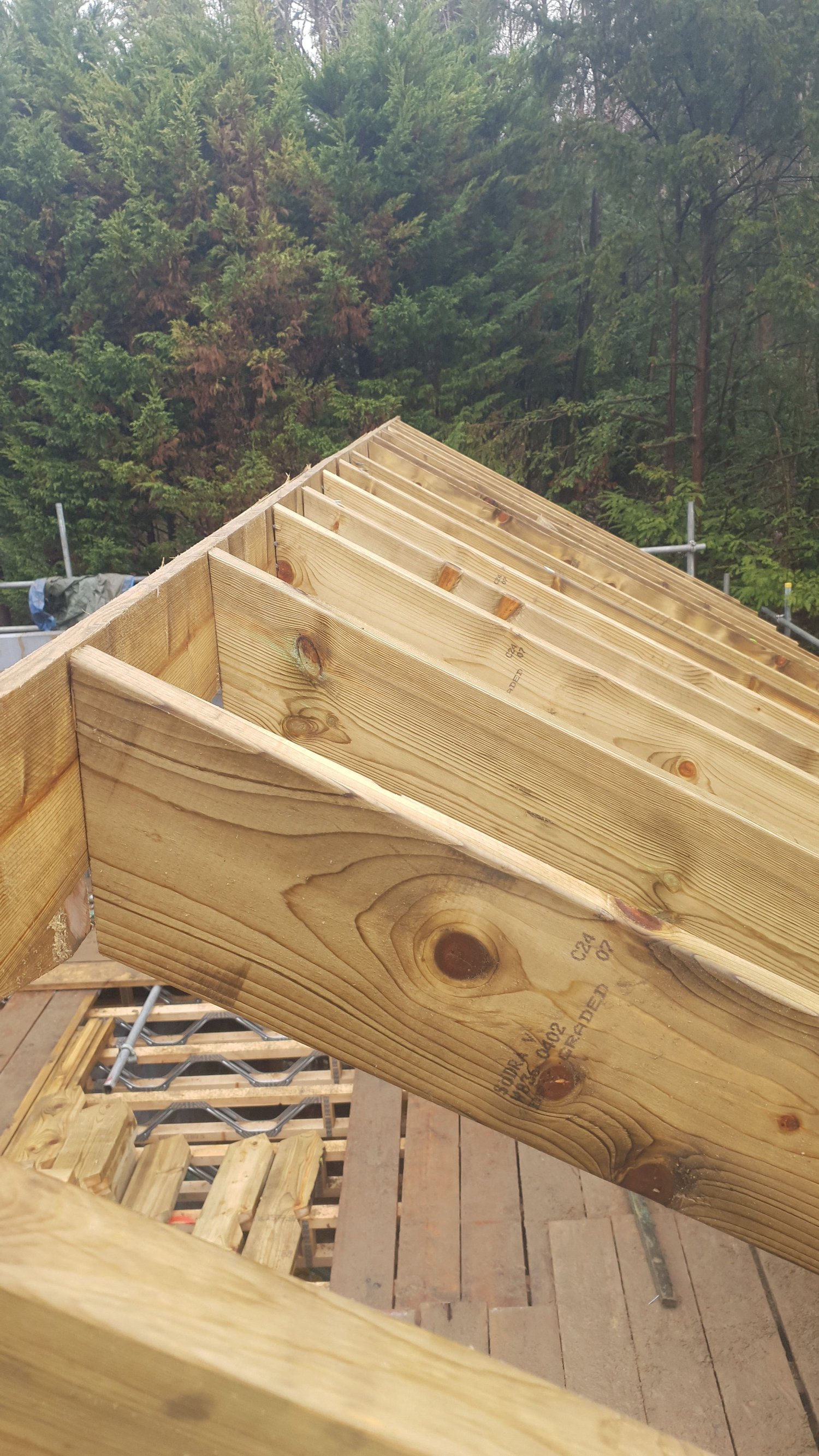
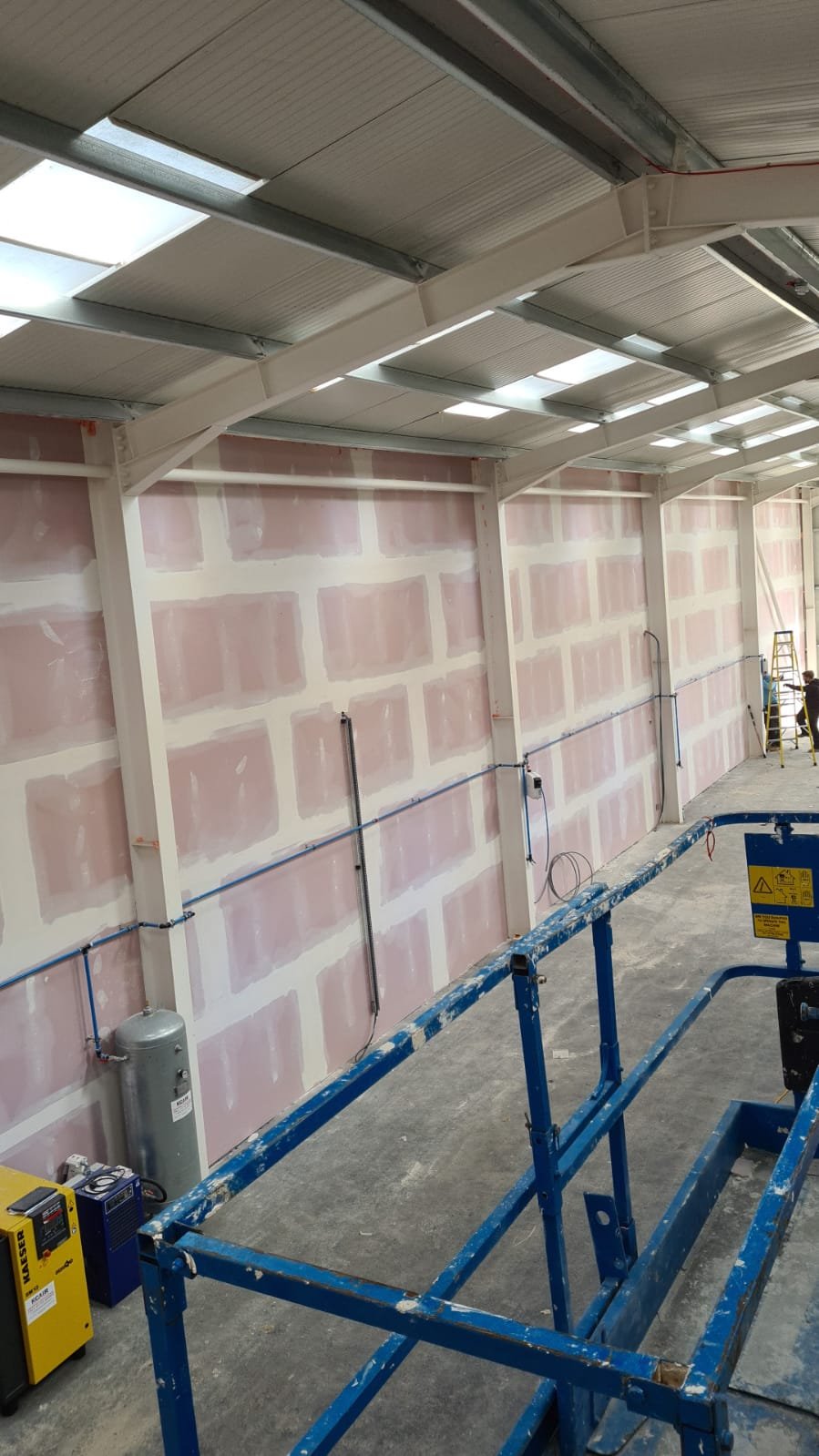
Genuine Atlas gallery examples, not a Civion photo-screen capture or one project’s progress sequence. Photos are shared for your project as agreed.
INFORMATION YOU CAN USE
A clearer conversation
about your build.
The aim is practical: understand the plan, review the figures and see the work being shared with you. Civion brings that information into the conversation, while the Atlas team remains there to explain it.
Software screenshots use demonstration data. Dates are estimates, and access depends on what Atlas shares for your project.
BUILT FOR CONSTRUCTION. DEVELOPED BY BUILDERS.
Know where to look.
Know what to ask.
Your build involves decisions, documents and figures. Having a place to review the information Atlas shares gives you a clearer basis for understanding the project and discussing the next step with our team.
Your project
Review the project summary and financial information shared with you.
Your programme
See issued dates, the sequence of work and the assumptions behind the programme.
Your valuation
Review the assessment of work and the accompanying invoice summary.
Your questions
Use the shared information to ask Atlas about the details and decisions that matter to you.
A guide to the client information shown above. Availability depends on what is shared for your project.
WHAT THAT CLARITY MEANS FOR YOU
Follow the information.
Make sense of the detail.
Civion supports the conversation between you and Atlas. Shared project information provides context for your questions; our team remains there to explain the work, documents and decisions.
01Understand the proposal+
Before agreeing the work, you need to understand the proposed scope and price. Review the quotation and its terms when shared with you, and discuss anything unclear with Atlas.
02See the sequence and the assumptions+
An issued programme helps you see how the work is expected to progress. Its dates are estimates based on the stated assumptions; check the revision and discuss changes with Atlas.
03Read valuations in context+
A valuation and an invoice describe different things. The client view presents the work and billing assessment alongside the invoice summary, helping you review the figures and ask about a particular charge.
04Have a clearer conversation+
With the information shared for your project available to review, you can refer to a document, figure or programme revision when speaking with Atlas. The app supports communication with the team throughout the work.
DEVELOPED THROUGH REAL CONSTRUCTION EXPERIENCE
Clear information.
A team to talk it through.
You should be able to ask about your build and understand the information behind the answer.
Atlas owns and develops Civion around real construction experience. Behind the client views, our team uses its estimating, programme planning and cost management tools to organise and review your building work.
Talk to us about your project